
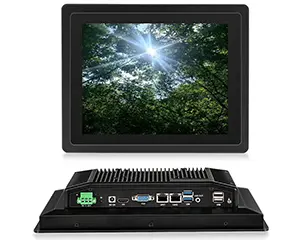
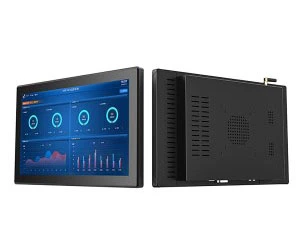
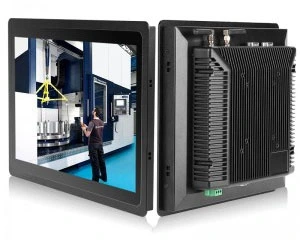
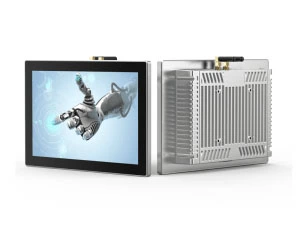
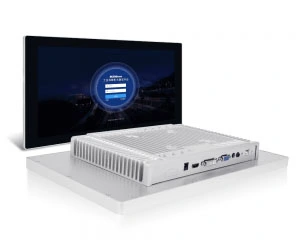
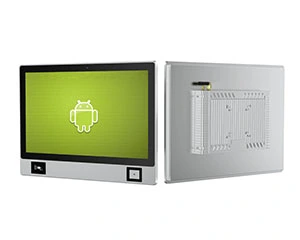
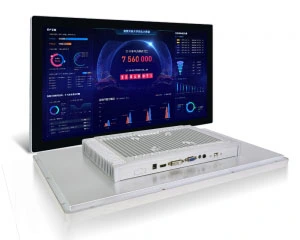
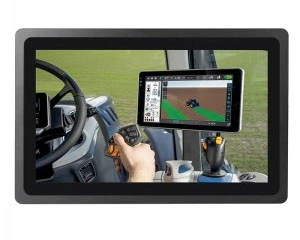
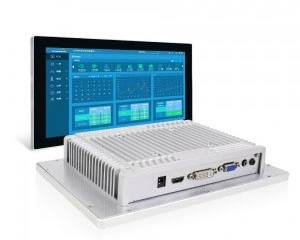
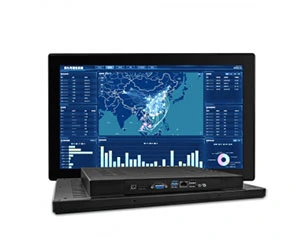
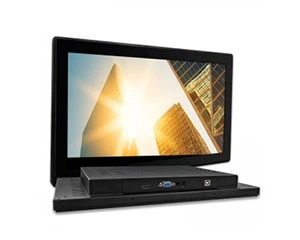
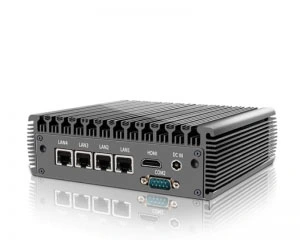
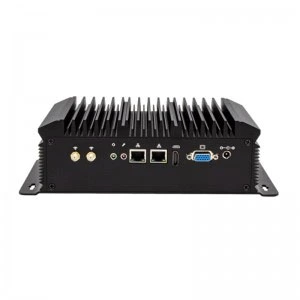
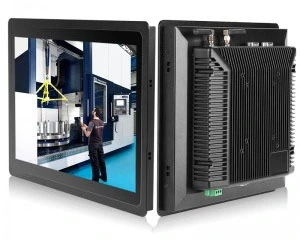
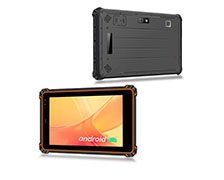
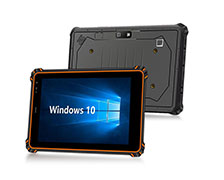
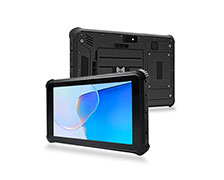
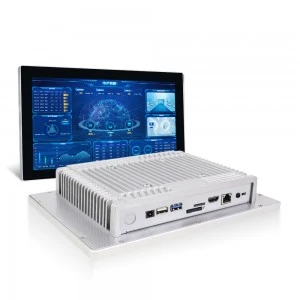
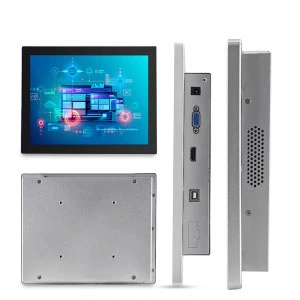
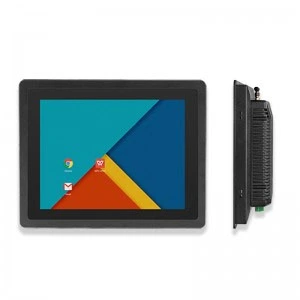
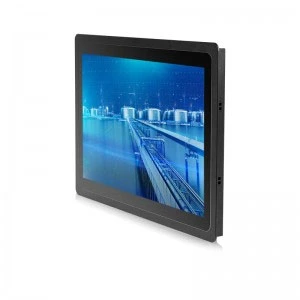
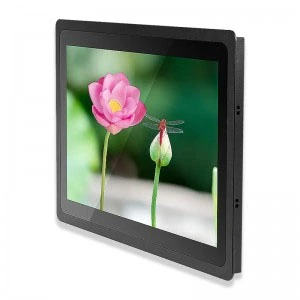
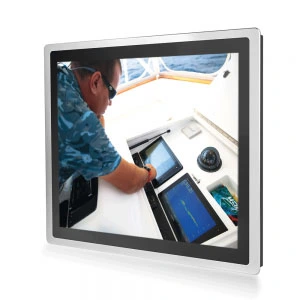
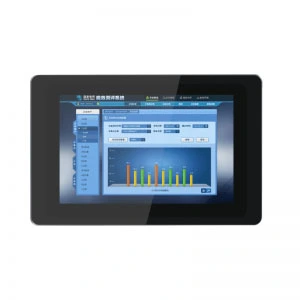
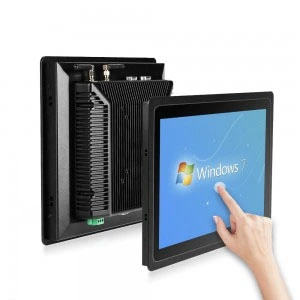
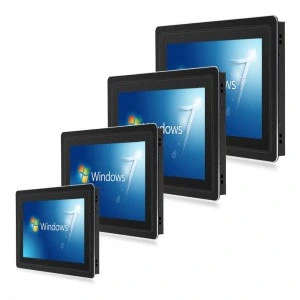
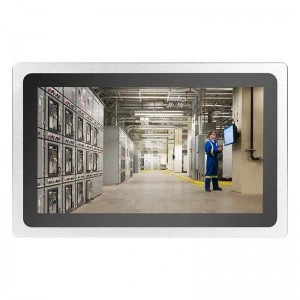
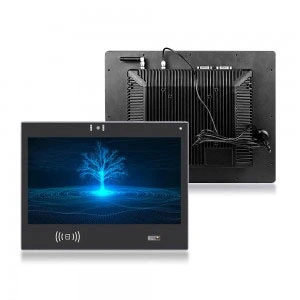
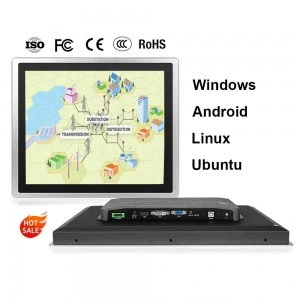
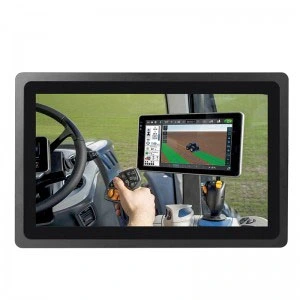
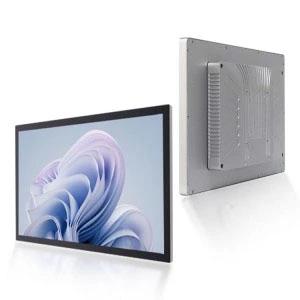
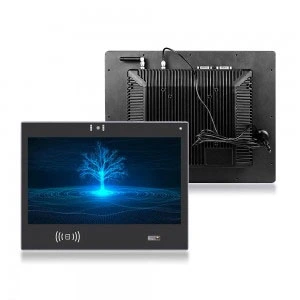
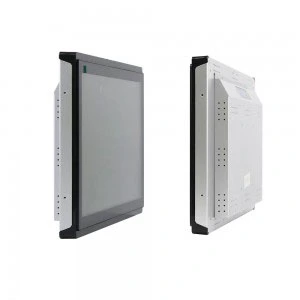
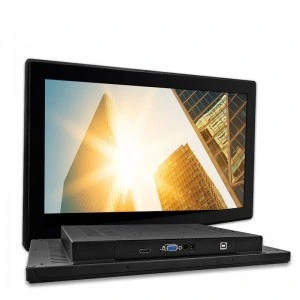
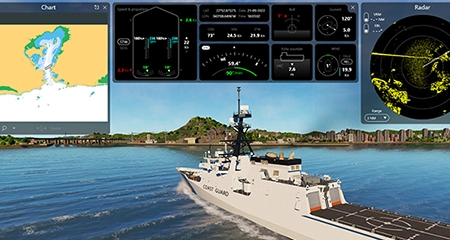
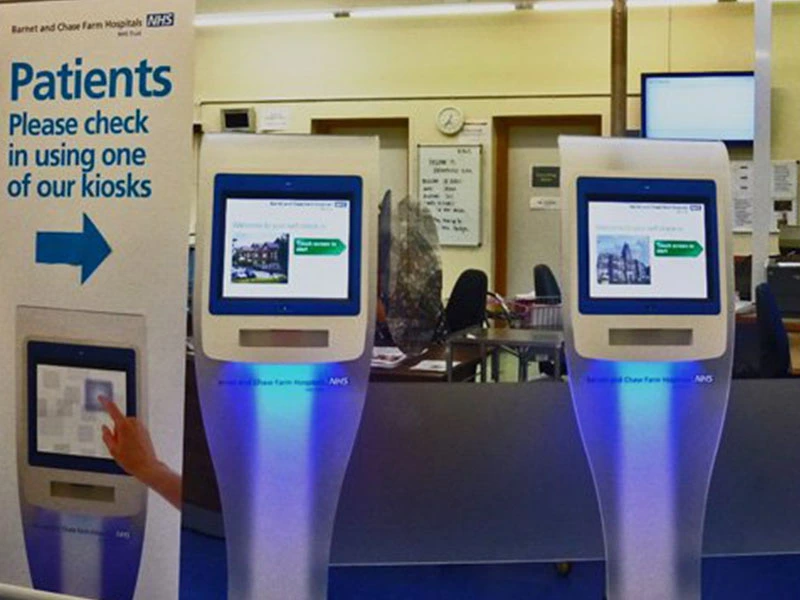

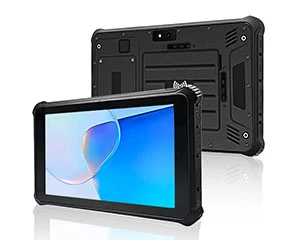
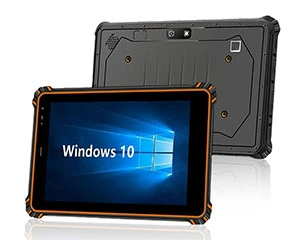
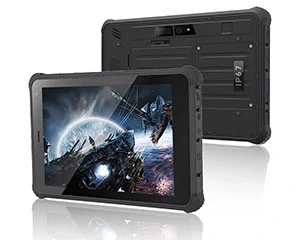
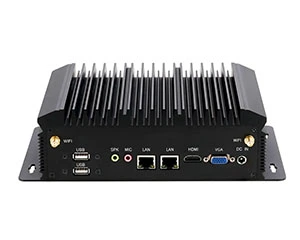

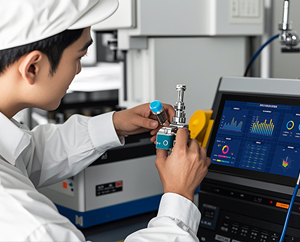



Selecting the correct industrial monitor impacts productivity and reliability in tough working environments. Custom built industrial screens endure rough conditions and offer unique features for various industries like manufacturing, automation, and logistics. These monitors can endure more than the average monitor, extreme temperatures, and resist to vibrations, dust, and moisture.
We examine your intent, along with the significance of each factor, in relation to the monitor’s durability, compatibility, and performance as it pertains to the industrial monitor of your choice.
1. Durability in Harsh Environments
Most of the difference between a consumer monitor and an industrial monitor, is the industrial monitors built tough and can take a beating. Monitors in industrial environments are used for a variety of functions, and they need to be dependable in all of the various unpredictable environments. Here’s what to look for:
Environmental Resistance
Your industrial monitor can expect spills, oils, dust, and extreme temperatures. It will encounter all of it and need to be able to handle all of it. Monitors with moving and dust filled interiors can be ruined, which is why the use of enclosures like the IP65 (dust-tight and water-resistant) are standard for industrial monitors. There are many monitors with more extreme enclosures (IP67 enclosures allow for immersion in water, and IP68 enclosures are for extreme water and dust exposure) which ultimately means they are able to handle more severe conditions.
-
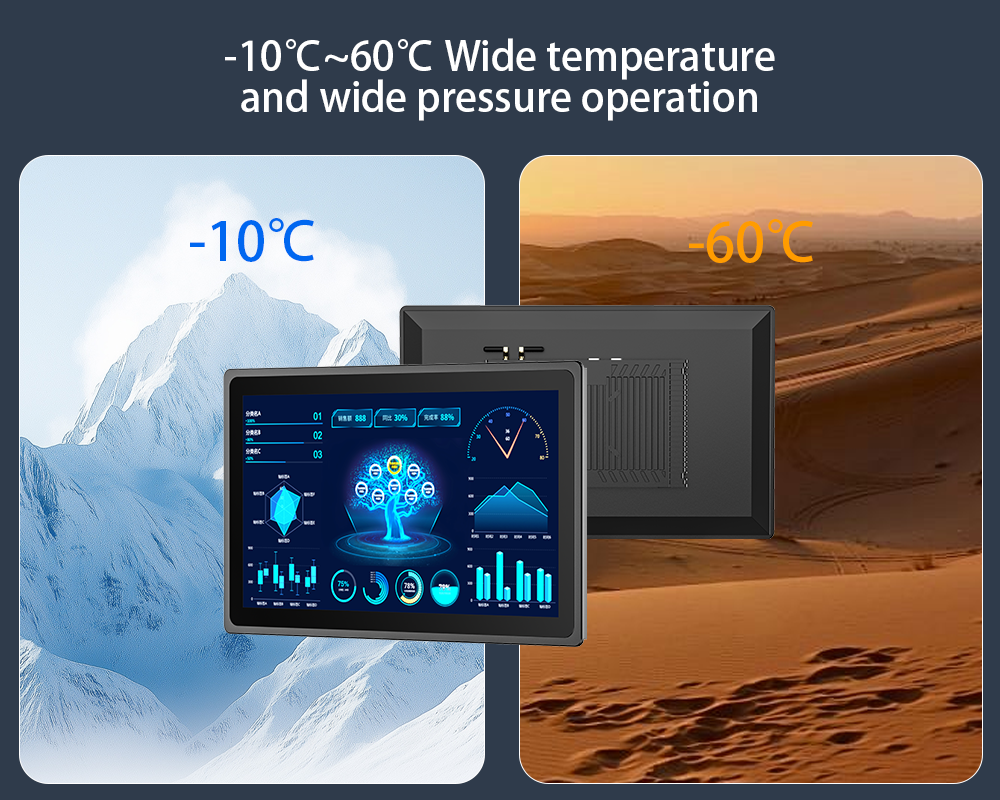
Temperature Limits: It is essential to find a monitor that will function in the temperatures of the environment you plan to use it in. Some monitors function in temperatures as low as -20C and as high as 60C. This is good for outdoor use. Most monitors do not work in these extreme conditions.
-
Shock and Vibration Resistance: Monitors that are used in heavy machinery, logistics, and manufacturing are subjected to high levels of vibration and impact. There are industrial monitors that have reinforced glass and rugged casing to withstand impacts and monitor internal damages. Monitors that are built to withstand military standard shocks and are rated to MIL-STD-810G are your best options.
Material Construction
The casing and screen material of a monitor can greatly impact its durability. Monitors that have screen and enclosures made of aluminum alloy and stainless steel have better impacts resistance to corrosion, chemicals, and scratching. Aluminum is a strong industrial material and stainless steel is good in industries where corrosion resistance and cleanliness are important, like food or pharmaceuticals.
2. Working with Existing Systems
Before you consider adding a new monitor to your industrial setup, think about how a new monitor interacts with your current systems. Some things to consider are:
Connection and Interface Options
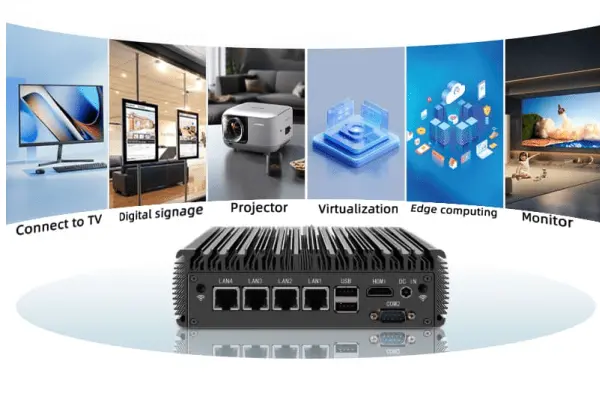
Industrial monitors must work with other systems, such as industrial PCs, PLCs, and other machinery, which means monitors need to have input and output ports. The following are common ports used in industrial environments:
-
VGA, HDMI, DisplayPort, and DVI for video signals.
-
USB for peripheral connections.
-
Ethernet or RS-232 for network connections.
Some monitors may include additional serial ports, digital I/O, or PoE (Power over Ethernet) for certain specialized tasks, which can help in reducing cables and simplify setup.
Integration with Industrial Systems
A lot of industrial monitors have VESA compatibility which allows mounting to standard systems in automated assembly lines, control panels, or walls. It is important to consider the monitor’s mounting options for your setup to help facilitate integration.
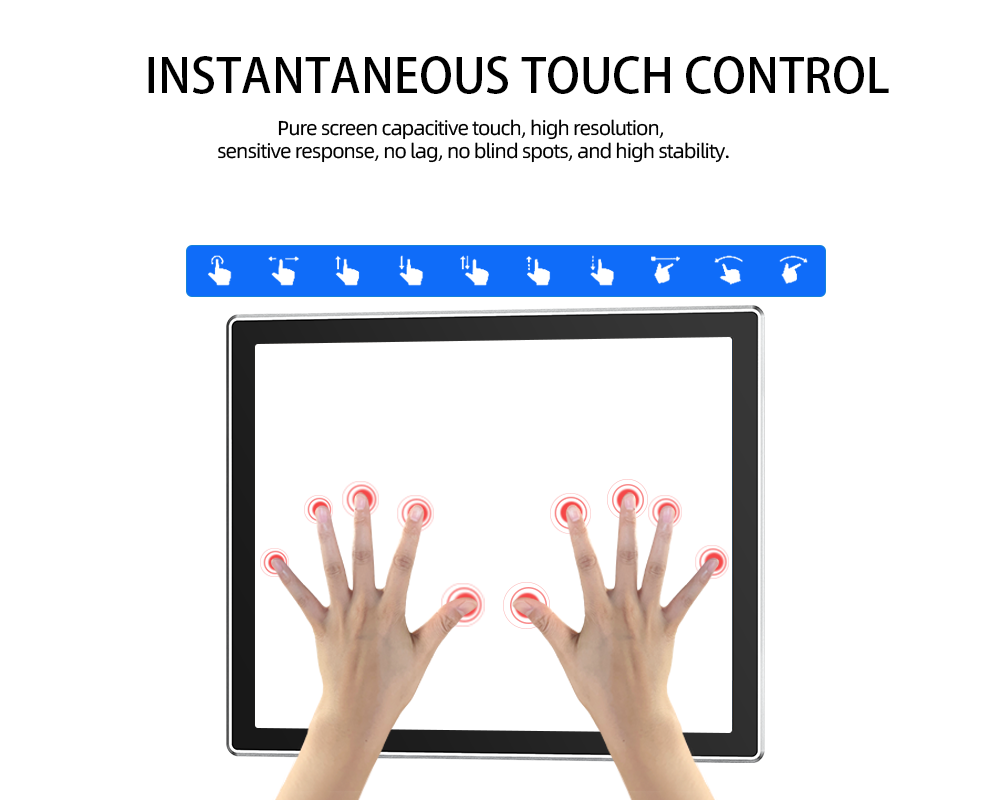
Touchscreen may also be a required functionality in certain applications, like machine controls or operator interfaces. Depending on the requirements in your specific environment, you may need a monitor with resistive touch (better for use with gloves or styluses) or capacitive touch (provides more sensitivity and a greater level of touch detection).
3. Performance: Clarity, Visibility, and Responsiveness
In an industrial setting, having a large display, or a high-resolution display does not mean having good performance. There must also be responsiveness, example, and these factors must remain true even under difficult conditions.
Brightness and Readability in Direct Sunlight
When a monitor is used in high ambient light, or direct sunlight, brightness becomes an important factor. Most monitors do not have the necessary brightness levels to remain readable. On the other hand, industrial monitors that have high brightness displays (1000 units or more) are guaranteed to have their screen visible even in bright or outdoor light.
In settings where the monitor is exposed to direct sunlight, opt to use screens where the air gap between the display and the glass has been filled with UV cured silicone to improve visibility. This process, which is called optical bonding, reduces glare, and increases example. In addition, optical bonding improves the ruggedness (shock and impact) of the display and minimizes the risk of condensation that may occur within the monitor. This is also a good option for outdoor uses.
Display Resolution and Size
The monitor’s size and resolution must match the task to be performed. In some scenarios, it may be necessary to have high resolution monitors (up to 4K) in order to perform intricate work such as detailed graphical analyses and high precision tasks. In other cases, a monitor with a resolution of 1920 x 1080 (Full HD) is enough.
When picking a screen size, larger is not always better. To view and monitor complex data from far away, a screen size of more than 32 inches is perfect. Keep the resolution high so the data remains clear.
Another factor to keep in mind is viewing angle. For example, if multiple people need to view and read the screen at once, you should look for a monitor with a wide viewing angle (ex. 170°).
Touchscreen Technology
Touchscreen technology is a way to simplify the interaction with industrial monitors. For specific applications you might need different types of touch screens; a resistive touch screen (responds to pressure and works well with gloves) or a more touch based with a direct skin contact, is more precise, and is a capacitive touch.
If your workplace needs high tech screens, you might want to consider PCAP touch technology, which stands for projected capacitive touch. This is especially great for enhanced industrial interfaces. It allows for multiple screen touches at once.
Refresh Rate and Response Time
Both response time (in milliseconds) and refresh rate (in hertz) determine how smooth and how responsive a display is. When looking for monitors for real-time tracking or fast-paced industrial activities, be mindful that monitors with motion blurring or lagging issues have higher refresh rates (60 Hz +) and lower response times (less than 5 ms).
Total Cost of Ownership (TCO)
At first glance, industrial monitors appear more expensive than consumer monitors, but that is not the only thing that should concern you. Total Cost of Ownership (TCO) is the more important consideration. TCO is not just the cost of contributing the the initial purchase. TCO also includes the cost of potential repairs and maintenance, the cost of any downtime that may be a result of industrial equipment failures, and the costs associated with TCO.
It is true that specialized monitors built with long-life cycles in mind, and therefore easier maintenance and lower cost in the long run, take a higher initial investment. Additional maintenance, more frequent replacements, and increased downtime, will offset the initial higher investment over the years. After-support service, warranties, and maintenance support will assist in covering any issues that may arise.
5. Longevity and Support
Industrial monitors should be viewed as long-term investments. Selecting supports long manufacturing cycles provides the greatest benefit by reducing disruption and associated costs. The best manufacturers will be willing to provide support after the sale, including replacement components, technical support, and warranties.
It’s important to look into the manufacturer’s reliability and customer care to factor in the monitor’s operational lifespan and the availability of software updates and parts to your operational needs.
6. Industry Certification
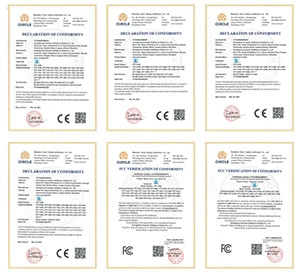
Lastly, undoubtedly, check that the industrial monitor you are investing in has met the required industry standards and certifications, such as UL, CE, RoHS, and NEMA. Such certifications are an assurance that the monitor meets the industry’s safety, environmental and operational requirements, and therefore, can be utilized in food processing, pharmaceuticals and other risky industries.
Conclusion
When choosing an industrial monitor, consider carefully the compatibility, the overall performance, and the durability in your particular use case. Focusing on to connectively, environmental resistance, and display performance while predicting the monitor’s lifespan will guarantee that you are investing in a monitor that will increase operational uptime and efficiency.
At RCOMPT, we are proud to provide industrial display solutions with industry leading performance and the display solutions that match your requirements. If you are in the market for monitors with extra durability, touch features, or advanced image quality, we can definitely help you.

Penny
Web Content Writer
4 years of experience
This article is edited by Penny, the website content writer of COMPT, who has 4 years working experience in the industrial PCs industry and often discusses with colleagues in R&D, marketing and production departments about the professional knowledge and application of industrial controllers, and has a deep understanding of the industry and products.
Please feel free to contact me to discuss more about industrial controllers. sales@gdcompt.com


