
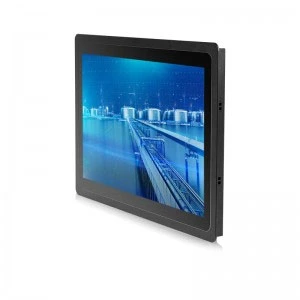
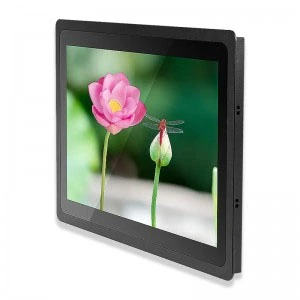
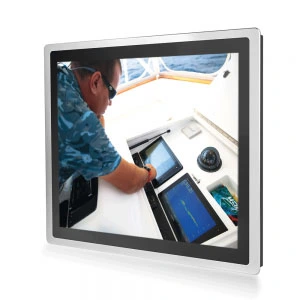
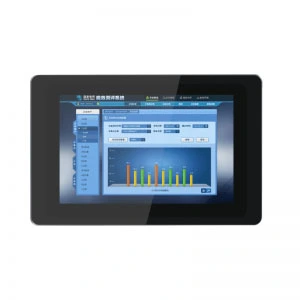
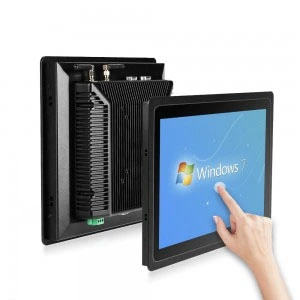
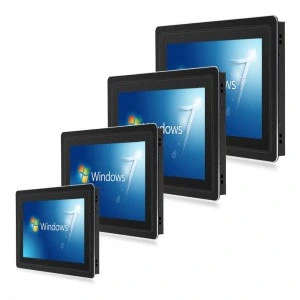
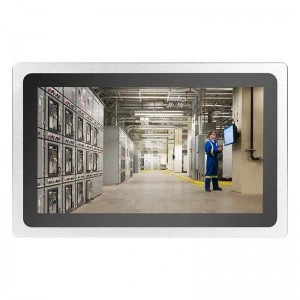
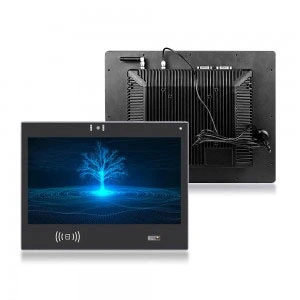
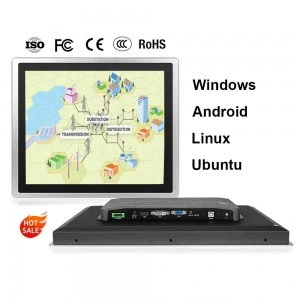
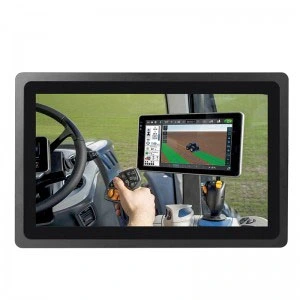
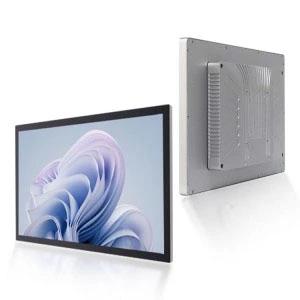
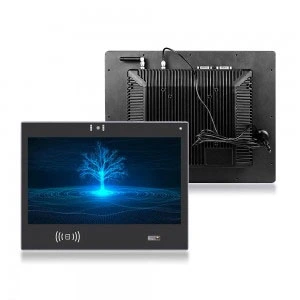





Picking the wrong computer for the factory floor can cost far more than just money. You can face downtime, frustrated operators, and failed audits. To avoid all this hassle, you’ll want to buy a durable industrial touchscreen PC. However, not all industrial PCs are designed the same way. Different jobs require different screen sizes, processing abilities, and protection.
This is the purchasing guide for you to properly match the right industrial touchscreen PC to the right and specific manufacturing environment. This guide is the sum of our experience in aiding manufacturers to achieve the right fit in the countless interactions we’ve had. You can also check out gdcompt.com for more help.
What Is an Industrial Touchscreen PC?
Industrial touchscreen PCs are designed differently than consumer computers. They are made for tougher conditions because they will be used in factories. They can withstand lots of heat, shaking, and even chemical washes.
Industrial touchscreen PCs interface employees and software like SCADA systems, production management systems, and production data systems. They can monitor machines, document production records, control processes automatically, and respond to machine alerts.] All of that can be done in real time and without leaving the factory floor.
The biggest difference between an ordinary PC and an industrial touchscreen PC is the sealed housing and components that can withstand a certain range of temperatures, plus, they are designed for fanless lifecycles. Also, they get certifications for use in food, pharmaceuticals, automotive, and chemical processing industries.
Important Notes on Selecting an Industrial Touchscreen PC
1. Understand your environment.
Before looking at specifications, think about the environment in which the device will operate. Answer these questions.
-
Is there a lot of dust, small pieces of metal, or tiny particles in the air?
-
Are there any liquids like water, oil, or cleaning chemicals?
-
Is it mostly cold or hot in that area? Is there a lot of temperature change?
-
Are there any vibrations from machines or cars?
-
Is the work area indoor, outdoor, or somewhere in between?
The answers to these questions will help you to know what minimum protection the device will need. This is the most important part about your selected device’s operating temperature.
2. IP Ratings, Protection from Dust and Liquid.
IP rating is one of the most important specs on industrial touchscreen PC. This rating helps you know how the device is sealed from dust, liquids, and other solid particles. IP ratings are expressed in numbers e.g. (68 or 66).
The first digit refers to the protection against solid objects (0-6). A rating of 6 means fully dust-tight.
The second number in IP ratings goes from 0 to 9 and is used for rating protection for components against liquids. A rating of 5 means protection against water jets at low pressure, and a 6 rating means protection against water jets at high pressure. A 9 rating means protection for high temperature and pressure wash down situations.
When it comes to most manufacturing environments, IP65 is a good starting place. However, in food and beverage processing plants, pharmaceuticals, and chemical manufacturing, due to wash down and high-pressure hose cleaning, IP66 or IP69K ratings are required.
3. Types of Touch Screens – Resistive and Capacitive
The technology used in a Touchscreen (and the interfaces that come with it) greatly influences how your operators will manage the device. In most industrial applications, there are two primary types of technology used.
Resistive touchscreens only require a finger, glove, or styler to register a touch. This is ideal for environments where the screens might be touched with tools or gloves. Resistive screens are also the best option for dirty environments as they tend to be less expensive, and are more durable in these situations. Unfortunately there is a tradeoff where these screens are less responsive, and do not support multi-touch gestures.
Projected capacitive (PCAP) touchscreens work better because they provide a better multi-touch experience just like modern smartphones. PCAP screens are easier to clean and are more accurate. Standard capacitive screens won’t work if you are wearing gloves. For glove compatibility, you will need to look for industrial capacitive screens which are designed for glove-touch. Many industrial panel PCs offer this feature.
A good rule of thumb is if your operators wear thick gloves or work in really dirty environments, start with resistive. However, if your environment is a bit cleaner, and operators need fast precise input, go with capacitive.
4. RAM and processing power
Your industrial touchscreen PC should have a good amount of processing power and RAM so you can run the software you need without having any lag or crashes. Underpowered hardware is a common mistake and it leads to slow response times, frozen screens, and downtime.
-
For basic HMI tasks such as displaying machine status, simple data entry, or barcode scanning, a mid-range processor with 4 GB of RAM is typically enough.
-
Choose at least 8GB of RAM and either the current generation Intel Core i5 or i7 for more demanding programs like SCADA, real-time sensor data processing, multiple data feeds, and connections to MES or ERP systems.
-
For more data-intensive programs with vision inspection, AI-based quality control, or more advanced analytics, a high-end processor with 16GB or more RAM is more ideal.
In industrial settings, the type of storage used is very important. is type of storage used is very important. Because industrial environments are more susceptible to shock, solid-state drives (SSDs) are recommended because they do not have fragile, moving parts. SSDs also operate at a much faster transfer rate than traditional hard drives.
5. Screen Logistics and Display Quality
The size of the screen will have a big impact both on ease of use and the location which the screen can be mounted. If the screen is too small, operators may find themselves straining their eyes to see data, which may lead to more input mistakes. If the screen is too large, the mounting space may not accommodate the size of the screen.
-
If screen size is between 10-12 inches, then that size will be more ideal for use on some compact control panels.
-
Screen sizes between 15-17 inches are the most commonly used on factory floors since that screen size is large enough to display dashboards clearly, but is also small enough that the screen itself does not dominate the space.
-
Control room stations, operator workstations for complex HMI layouts, or any other workstations that require multi-data stream visibility will require 19-21 inch and larger screens.
When purchasing screens, both size and brightness need to be considered. A standard screen normally has 250-350 brightness nits, which works okay at normal indoor locations. If screens will be used in an area that will be nearer to an outdoor window or bright sunlight environments, higher brightness displays that are 1000 nits or more need to be considered for purchase. (These are called sunlight readable screens.)
6. Fanless vs. Fan-Cooled Design
This is more of a technical issue, but one that has significant implications for ease of maintenance and reliability in industrial environments.
Fanless panel computers use passive cooling. Heat is dissipated through the chassis. Since there are no moving parts, and no ventilation openings, the systems are completely sealed. This makes them great for environments that are dusty/dirty (industrial environments) or food-grade environments (where there are particulates and/or liquids). These devices are also quieter, and require less maintenance.
Fan-cooled units allow for the use of more powerful processors and heavier computational loads because active cooling is better. However, the appliances that are used to control air flow allow dust and moisture to enter the units, making the units less reliable. These are also considered ‘mechanical’ parts, and are subject to wear as they are not doing any work.
A fanless touchscreen industrial PC is the best option for most factory floor applications. For applications that require more powerful processing, make sure the PC is fully protected with adequate IP protection around any ventilation openings.
7. Communication and Input/Output Connections
Your industrial touchscreen PC will connect with other parts of your production system such as PLCs, sensors, barcode scanners, printers, network switches, and enterprise software solutions. Before making your choice, look at the different options available to you in the means of connections:
Connection of peripheral devices via USB (ideally USB 3.0 or higher)
-
Gigabit Ethernet for access to a stable wired network
-
Serial COM ports for communication with legacy PLCs and machines, which are still highly prevalent in manufacturing.
-
HDMI or DisplayPort connections for the addition of more displays
-
Wi-Fi and Bluetooth, of course, for wireless communication and connectivity
If older manufacturing environments are part of the equation, be sure to include the ability to make connections to older devices through RS-232 and RS-485 ports. This can be achieved using either built-in ports or through expansion cards. Purchasing a device only to discover that it is incapable of interfacing with your existing PLC is a costly and unfortunate situation.
8. Operating Temperature Range
Standard computers are typically designed to work in the 15°C to 35°C range. However, manufacturing environments often push far beyond those temperatures. Devices can be exposed to extremes, while foundries, outdoors, refrigerated warehouses, and heat-giving machines can all cause consumer hardware to fail.
When selecting an industrial touchscreen PC, look for a wide operating temperature range, usually a minimum of -10°C to 50°C, and, for more extreme environments, -20°C to 60°C and beyond. The criteria for choosing these devices are not only about surviving the rare, extreme operating temperatures, but also for achieving consistent and dependable ergonomic operation across the temperature spectrum.
9. Mounting Options
The usability of the device and the installation costs are both influenced by the way and the place you choose to mount the device. Here are the typical mounting configurations for industrial Panel PCs:
-
Panel Mount – installed flush with a control cabinet door or enclosure wall. This is the most popular industrial configuration.
-
VESA mount – This involves the mounting of the device to an arm or stand for ease of adjustability where the device is to be used by an operator.
-
Rack mount – This is the installation of the device in a 19-inch standard equipment rack for control rooms.
-
Desk top / Free standing – This is the mounting of the device on the work surface via a stand. This is common for workstations.
Where possible, confirm that the device allows for the mounting configuration you wish to use. If you are considering a panel mount, check the cut-out dimensions, and the sealing requirements.
Types of Industrial Computers for Manufacturing
Industrial touchscreen PCs are part of industrial computing devices, and it is helpful to know the different types to satisfy yourself that you are choosing the proper category for your purpose.
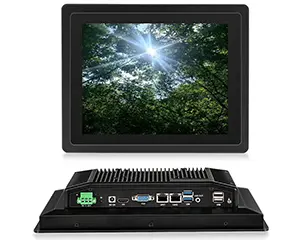
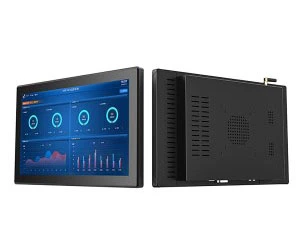
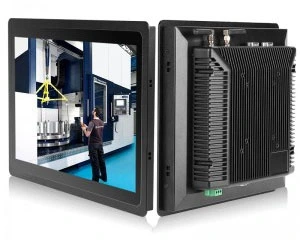
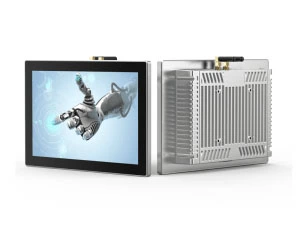
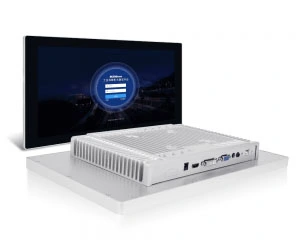
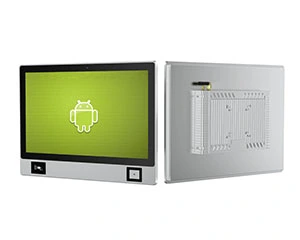
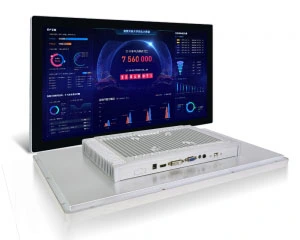
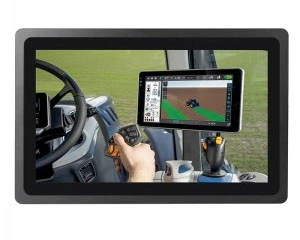
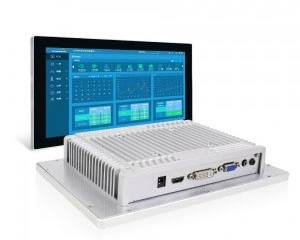
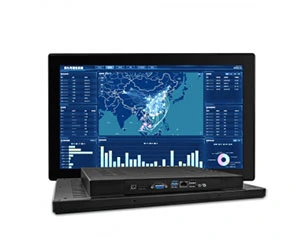
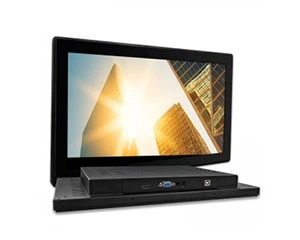
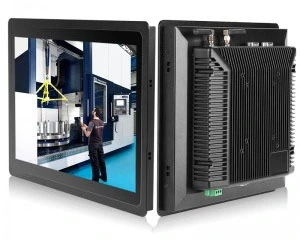
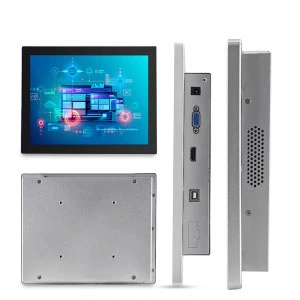
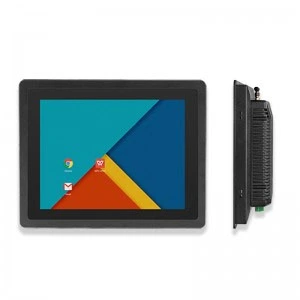
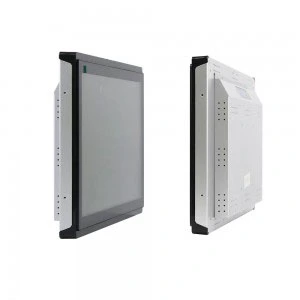
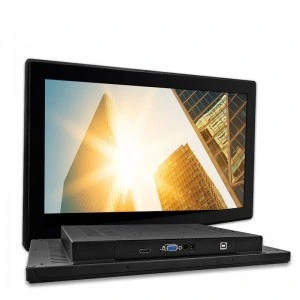
Panel PCs: These are touchscreen all-in-one personal computers, and are the most common option for HMI and operator interface applications on the factory floor.
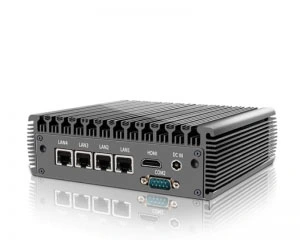
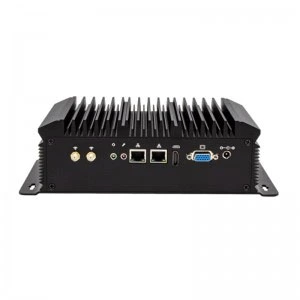
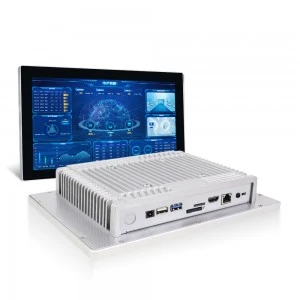
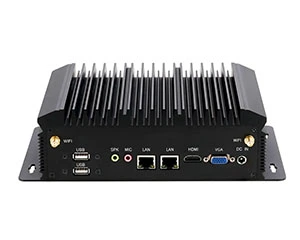
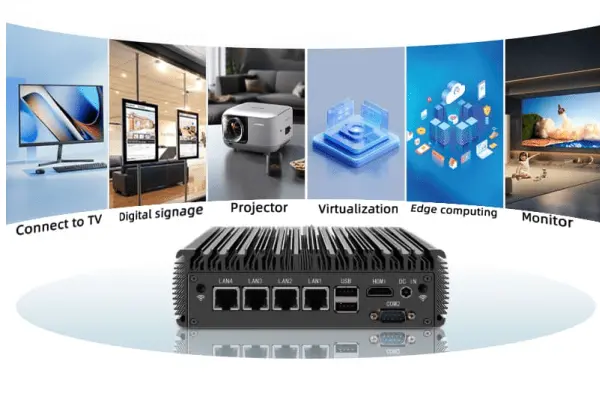
Box PCs/Embedded PCs: Compact and fanless box PCs without a screen that are usually paired with an external monitor. Used in scenarios where a fixed touchscreen is not required, or a PC has to be placed inside a control cabinet away from the operator.
Rack-mount PCs: PC computers like servers that are housed in standard equipment racks. Used in control rooms and in situations that need increased computing resources.
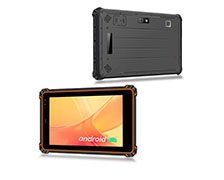
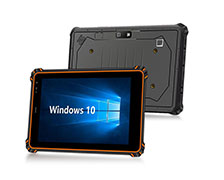
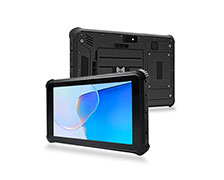
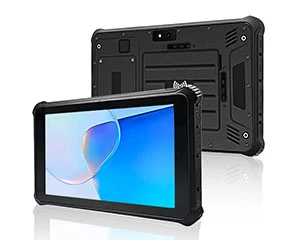
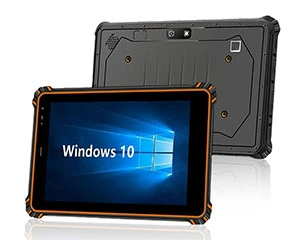
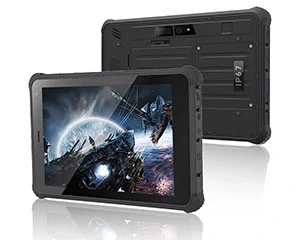
Industrial rugged tablets: Portable and battery-operated devices used by on-the-go operators in a facility like maintenance, quality inspection, and warehouse that need computing devices away from a desk.
For the majority of applications in control and monitoring of manufacturing processes, the most suitable option to start with is a panel PC. All categories are covered in our product portfolio at gdcompt.com, so you can choose the correct form factor depending on your specific process step.
Compliance and Certification Standards
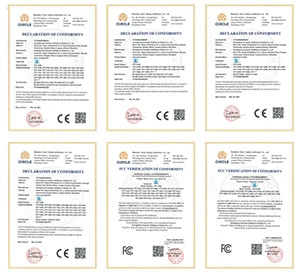
Depending on the industry, your industrial touchscreen PC may need to meet the following compliance and certification standards:
-
CE marking – needed for European Union sales
-
UL / cULus listing – required for North American safety certifications
-
ATEX / IECEx – required for explosive atmosphere operations
-
FDA 21 CFR Part 11 compliance – applies to the digital record keeping in the Pharma and Food industries
-
FCC compliance – applies to US radio frequency emissions
When purchasing, confirm that the device is equipped with your region’s compliance certification and your industry’s standards. If a supplier lacks the certification, you should refrain from purchasing.
How Do You Make the Final Decision?
It is best to evaluate the options using a checklist. Before deciding which device to purchase, check which devices fit the following criteria:
-
Environment: IP rating is compatible with dust and moisture in your workspace.
-
Temperature: Operating range of the device includes your facility full temperature range.
-
Touchscreen: The type of touchscreen is appropriate for your operator’s use ( gloves, dirty, precision tasks)
-
Performance: The processor and RAM are adequate for the requirements of your software.
-
Connectivity: All necessary ports and communication standards are available.
-
Display: The size and brightness of the display is appropriate for the location of the installation.
-
Cooling: The device is designed with no dust-collecting fan.
-
Mounting: Form factor is appropriate for your installation requirements.
-
Certifications: Industry and regional requirements are met.
-
Lifecycle: The device/model has a long-term support from the vendor.
The product’s lifecycle is the most overlooked point. A model that gets discontinued 2 years after purchase can leave you unable to replace a failed unit or expand your installation, which can be very frustrating. The Total Cost of Ownership is lower for manufacturing operations to Industrial Computers Vendors who provide 5 to 10 years long-term availability assurance.Final Thoughts
Conclusion
Choosing an industrial touchscreen PC is deciding how much time and money you want to spend. The best touchscreen is the one that suits your employees, their processes, and the working conditions. The best PC makes work easy and PC is reliable. It runs for years without issues and integrates with the old systems used to run your company.
If you’re not sure where to start, gdcompt.com has the best selection of industrial touchscreen PCs and panel PCs. We’re here to help you choose the best one for your production process. Use our catalog and reach out for more specific requirements.
Answers to Your Frequently Asked Questions About Industrial Touchscreen PC
What is the distinction between an industrial touchscreen PC and a standard PC?
An industrial touchscreen PC is intended for difficult situations such as factories and production environments. In contrast to consumer-grade computers, industrial touchscreen PC’s have all closed construction, a larger scope of operational temperatures, and can endure dust, shaking, and moisture.
What is the minimum IP rating for an industrial touchscreen PC?
An IP65 rating typically provides enough dust and water protection for most factory settings. However, food processing, pharmaceuticals, and chemical manufacturing industries may need IP66 or IP69K rating due to wash-down high-pressure environments.
What is the best type of touchscreen for an industrial environment?
This is determined by the workplace conditions. In dirty environments with tools and gloves, resistive touchscreens prevail, while capacitive (PCAP) touchscreens provide faster response times, multi-touch features, and increased accuracy.
What is the minimum RAM and processing requirements for an industrial panel PC?
4GB RAM and a mid-tier CPU is typically enough for basic HMI functions. For SCADA, MES, and real-time data processing integrations, Intel Core i5/i7 with 8GB and above is advised.
5. Why are fanless industrial computers favored on shop floors?
Fanless industrial computers rely on passive cooling. Without moving parts, these computers can last longer due to no dust or debris clogging up the system. When used in tough factory conditions, these computers can significantly reduce the required maintenance due to their design.
6. What is the best screen size for an industrial touchscreen PC?
Industrial touchscreen PC screens are typically 15 to 17in. sizes stand out the most. IT allows for better visibility but helps save space on the shop floor. Smaller screens (10 to 12in) will usually be part of a compact control panel, and larger screens (19 to 21in) are typically used in control rooms.
7. How long should a model of industrial computer be available?
Most manufacturers of industrial computers will have their models supported for 5 to 10 years. This is done to allow for the replacement of entire computers as well as the internal parts that may be needed for longer projects.

Penny
Web Content Writer
4 years of experience
This article is edited by Penny, the website content writer of COMPT, who has 4 years working experience in the industrial PCs industry and often discusses with colleagues in R&D, marketing and production departments about the professional knowledge and application of industrial controllers, and has a deep understanding of the industry and products.
Please feel free to contact me to discuss more about industrial controllers. sales@gdcompt.com


